Architecture: Using Photoshop drawing tools
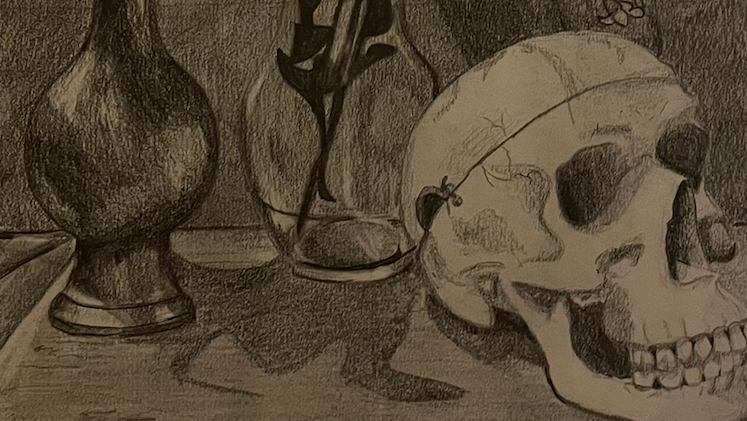
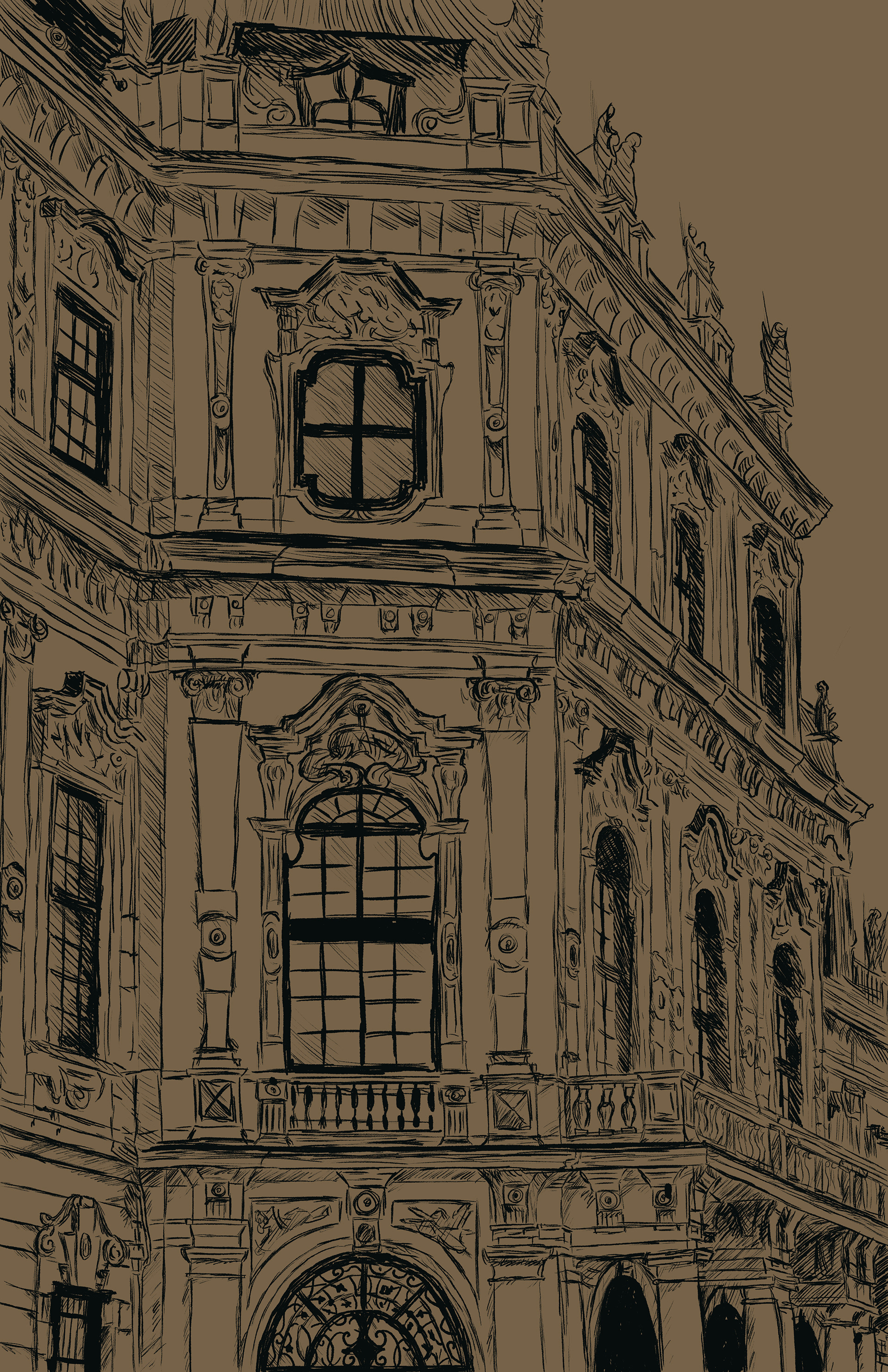
For this project, I based my sketch off an architecture found in Europe. I used a variety of pencil and ink brushes found in adobe's MegaBrush pack.
To create this work, I started with a simple sketch and added more details and shading over time.
Digital Painting in photoshop
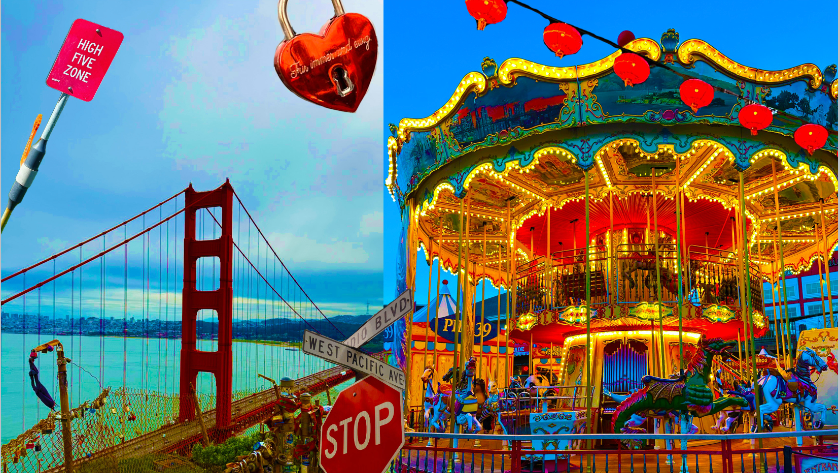
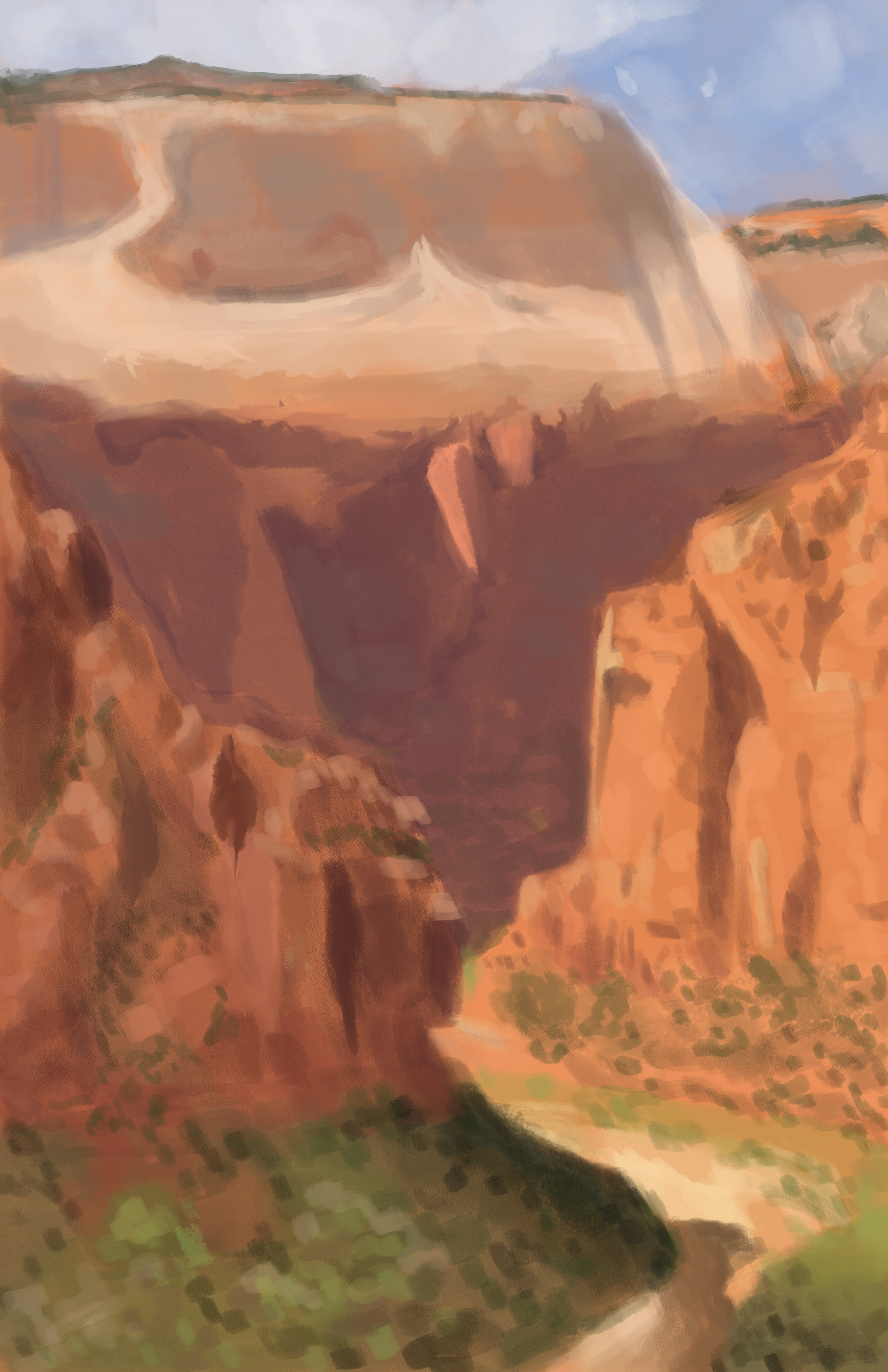
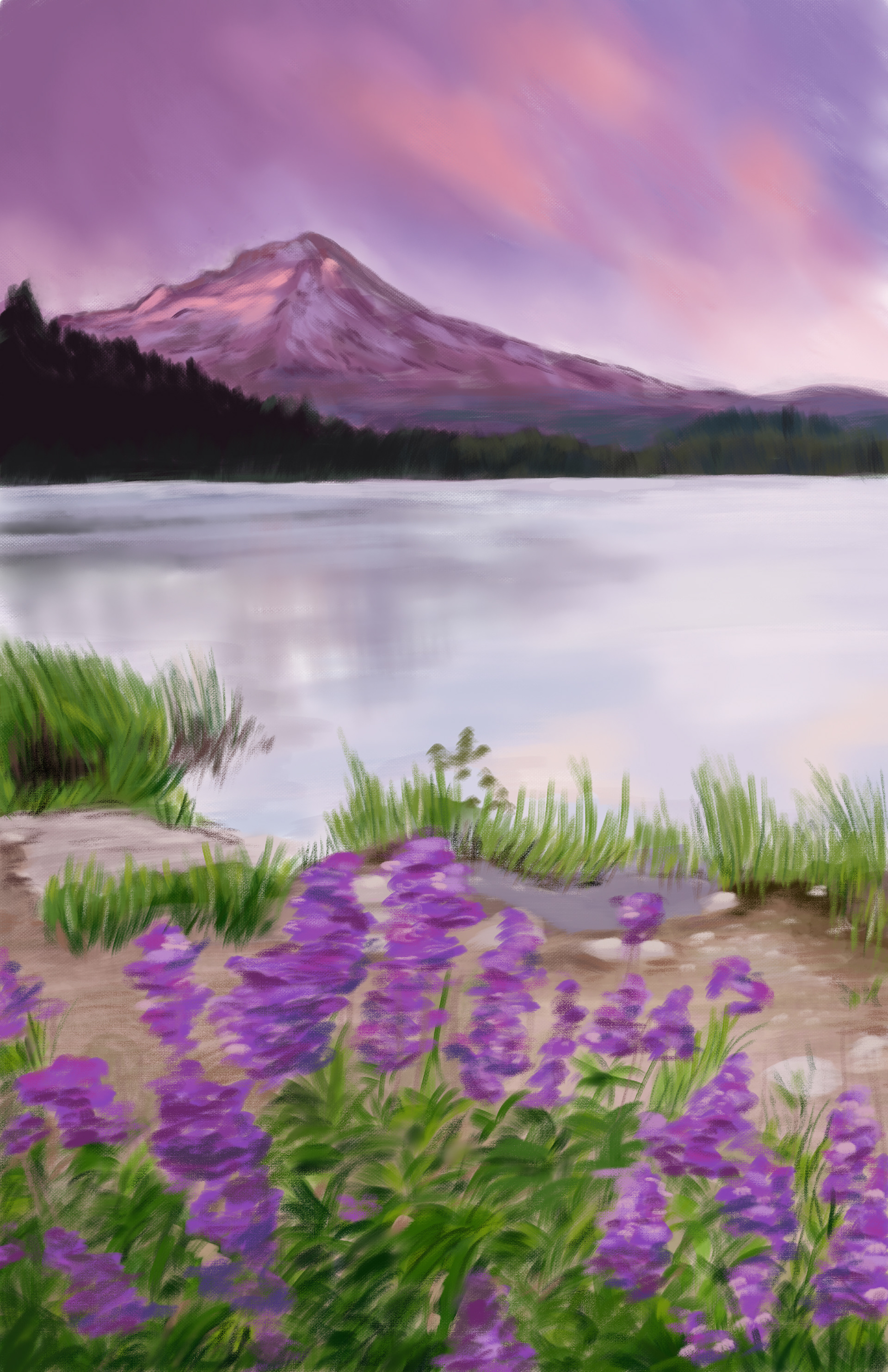
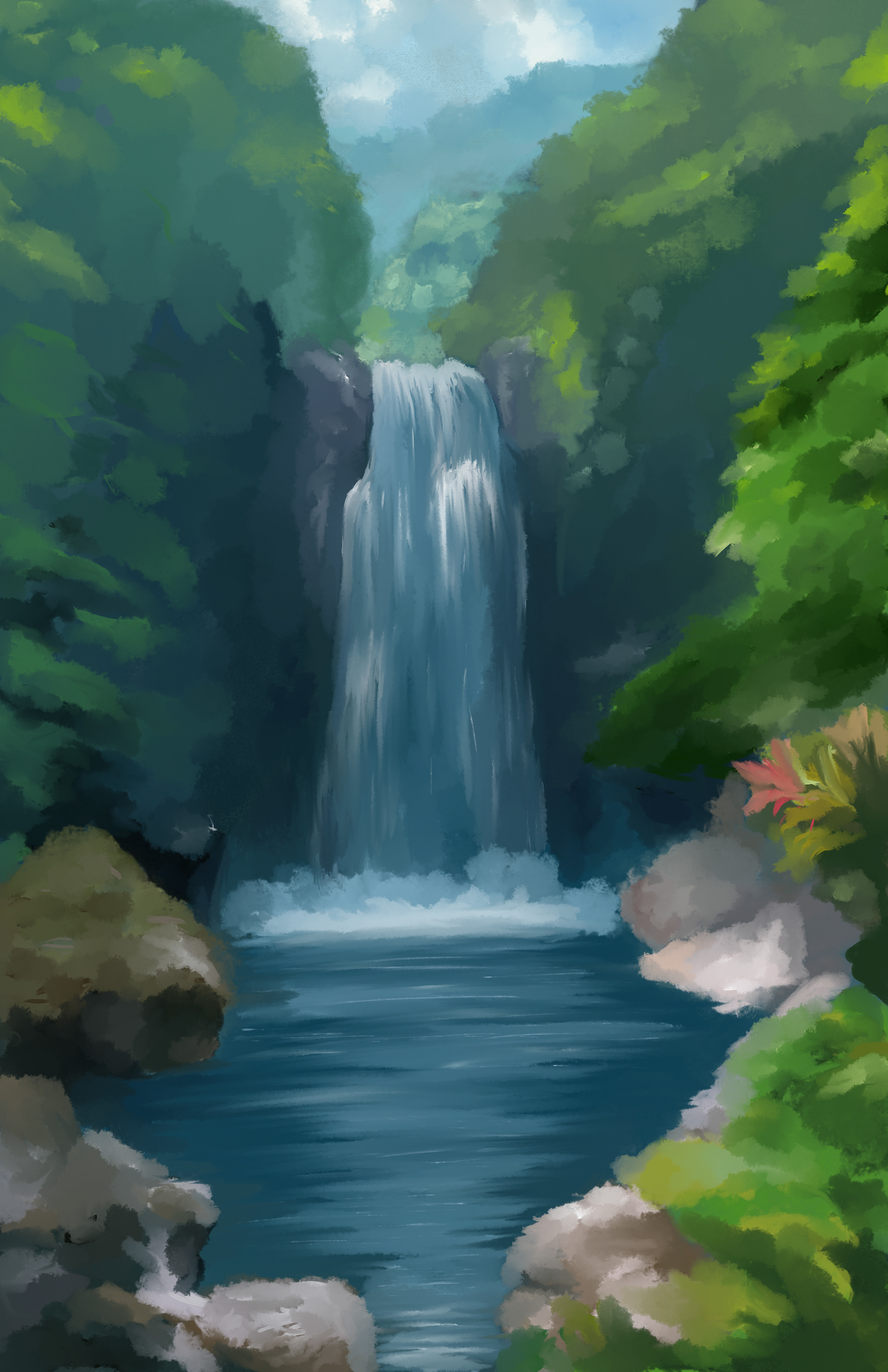
For these works, I recreated photos of specific landscapes in photoshop. I experimented with watercolor brushes, oil brushes, and acrylic brushes, while also using blending brushes to create these digital paintings.
I wanted to create three pieces with different color schemes to display a range of landscapes in the world.
Animated Spiderman: Frame by Frame animation
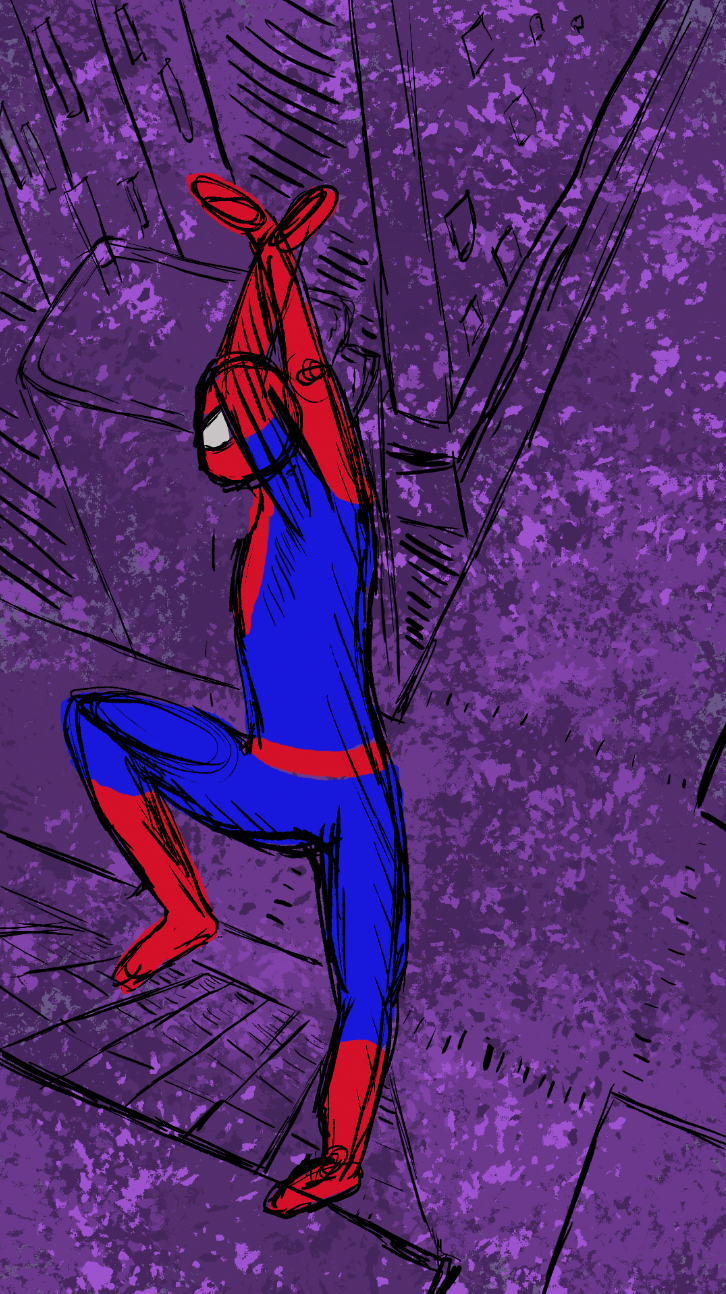
This animation was created using adobe photoshop brushes including ink and cartoon. This was my first attempt with photoshop animation. For each layer, I created a sketch of the movement of the figure, then I went back to create the color.
For the background, I wanted to make it interesting and have him jumping from a building. The purple contrasts with his bright colors enough to make his movements pop.
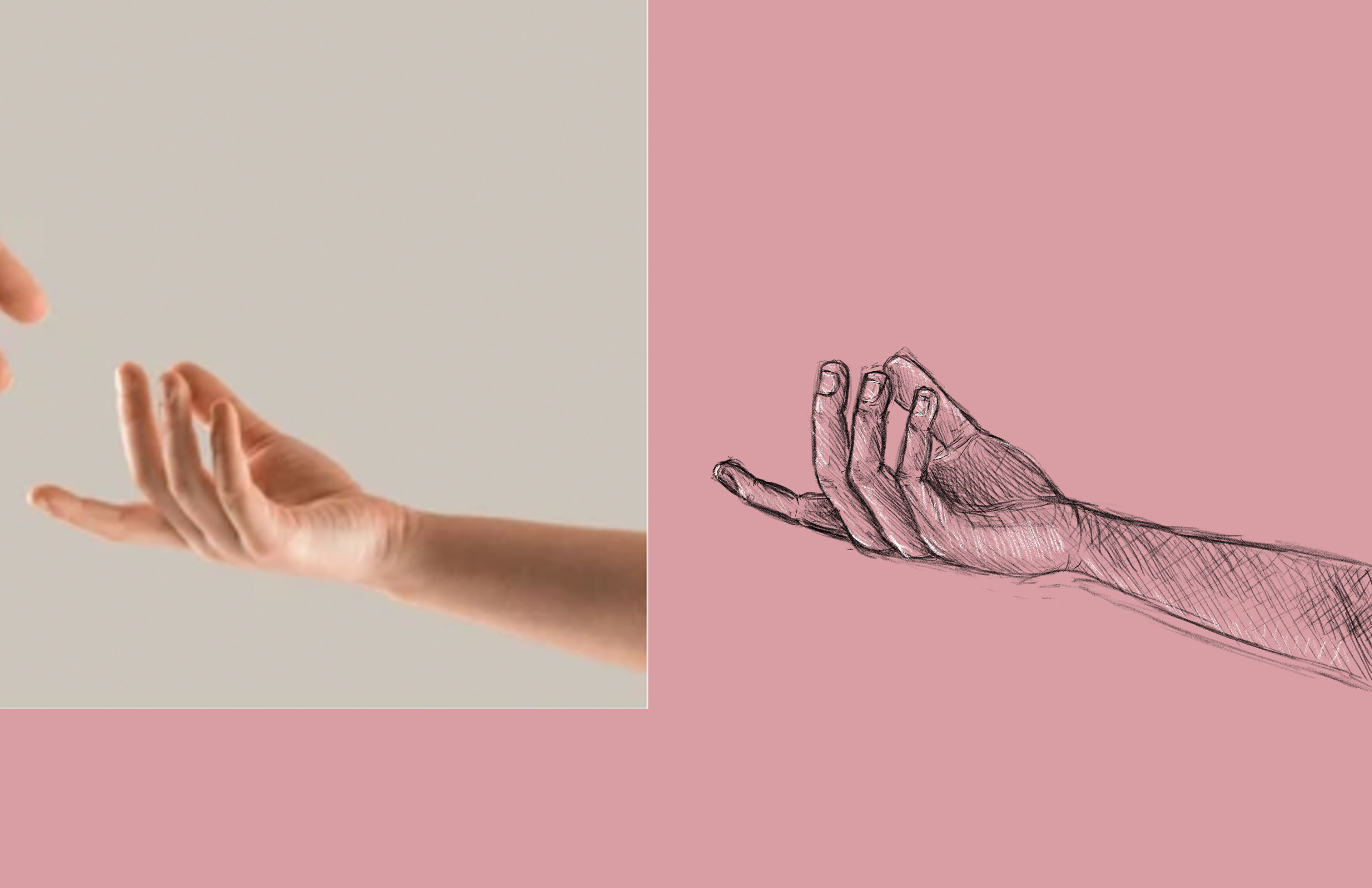
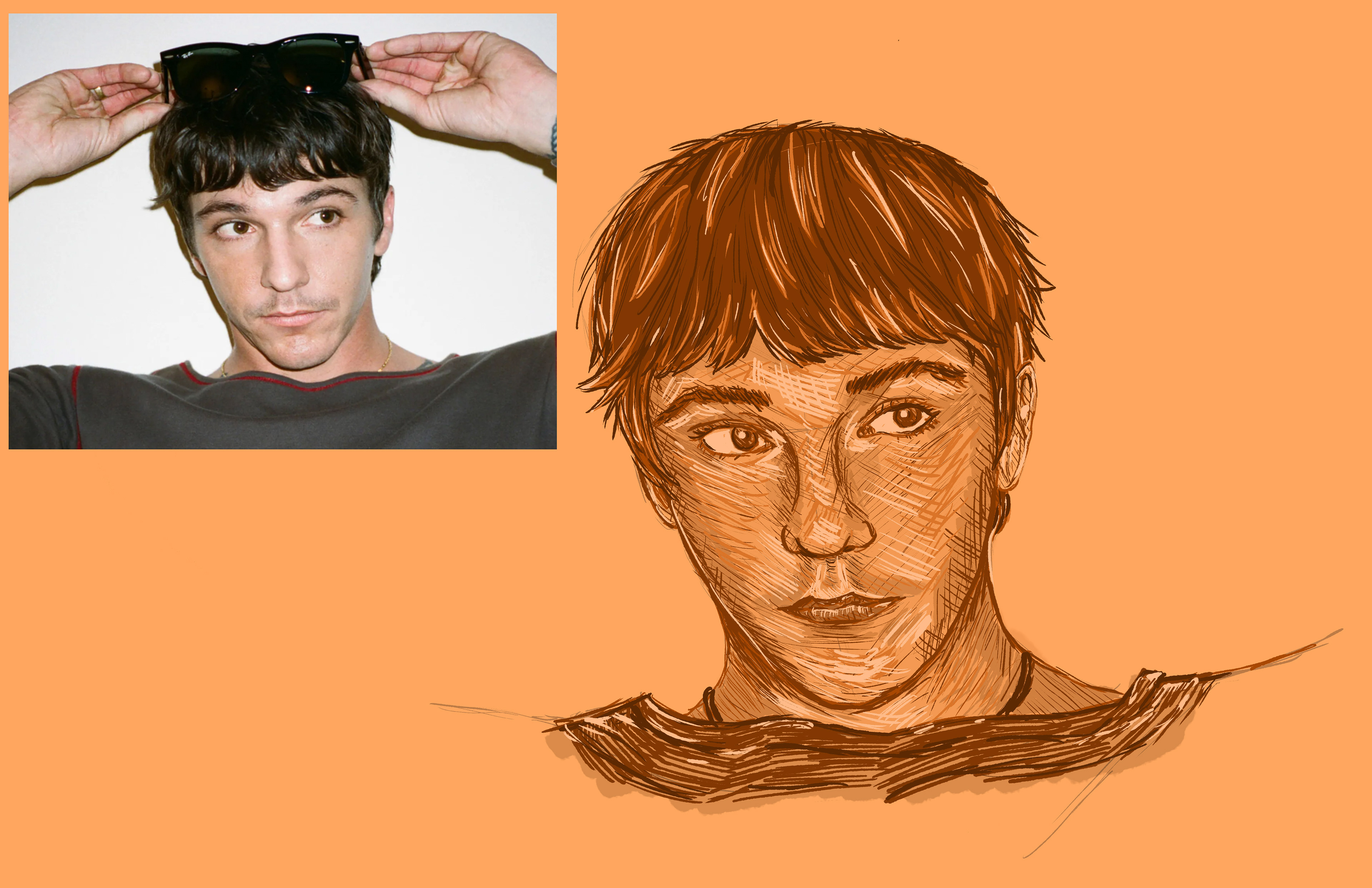
Study of Face and hands
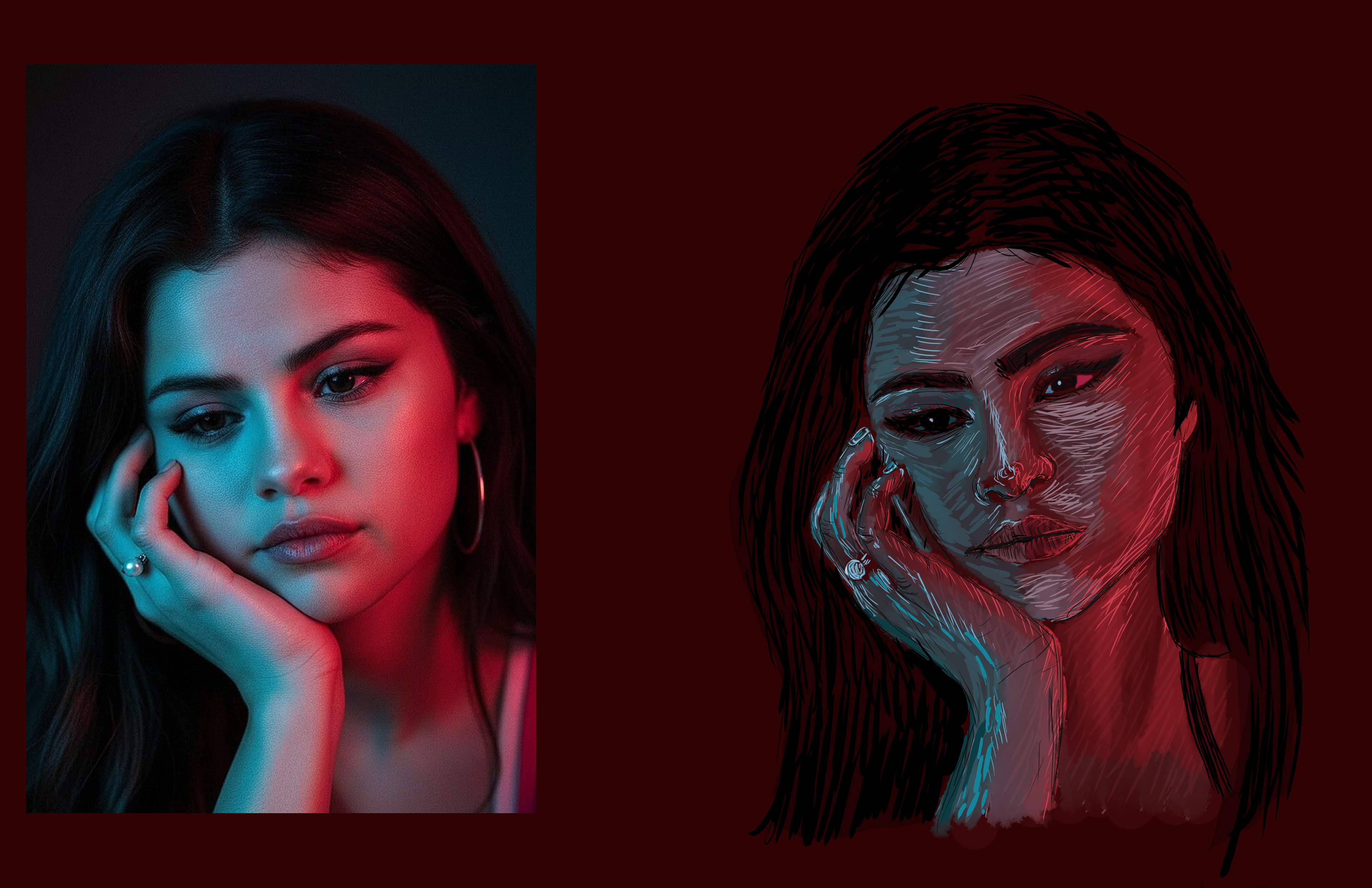
For these works, I was learning how to draw the human body on a digital space. We first started with hands, a face, and then a combination. I wanted to experiment for the final piece involving neon colors instead of a skin tone shades.
For these works I used brushes within photoshop to create sketch style pieces.
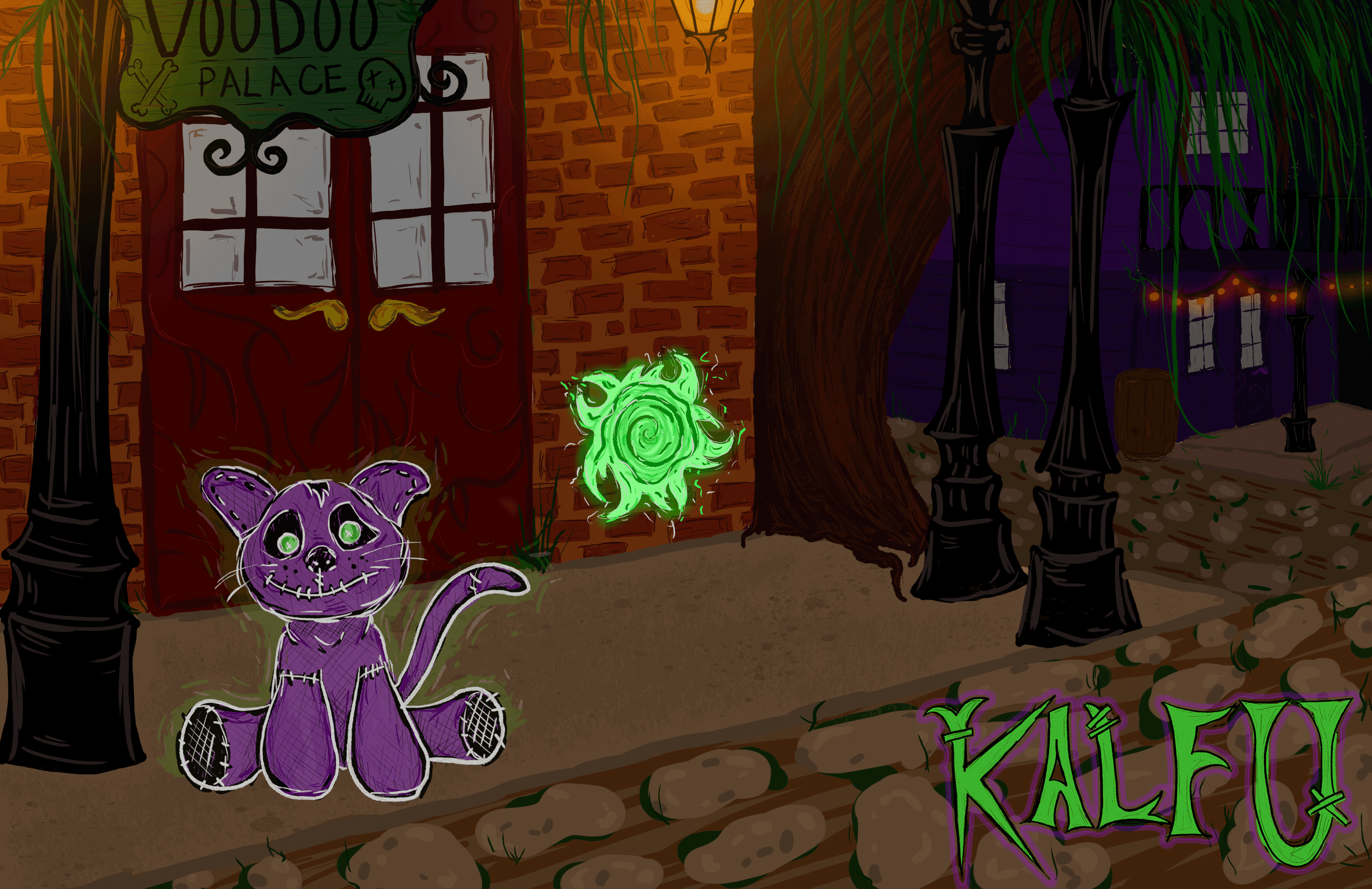
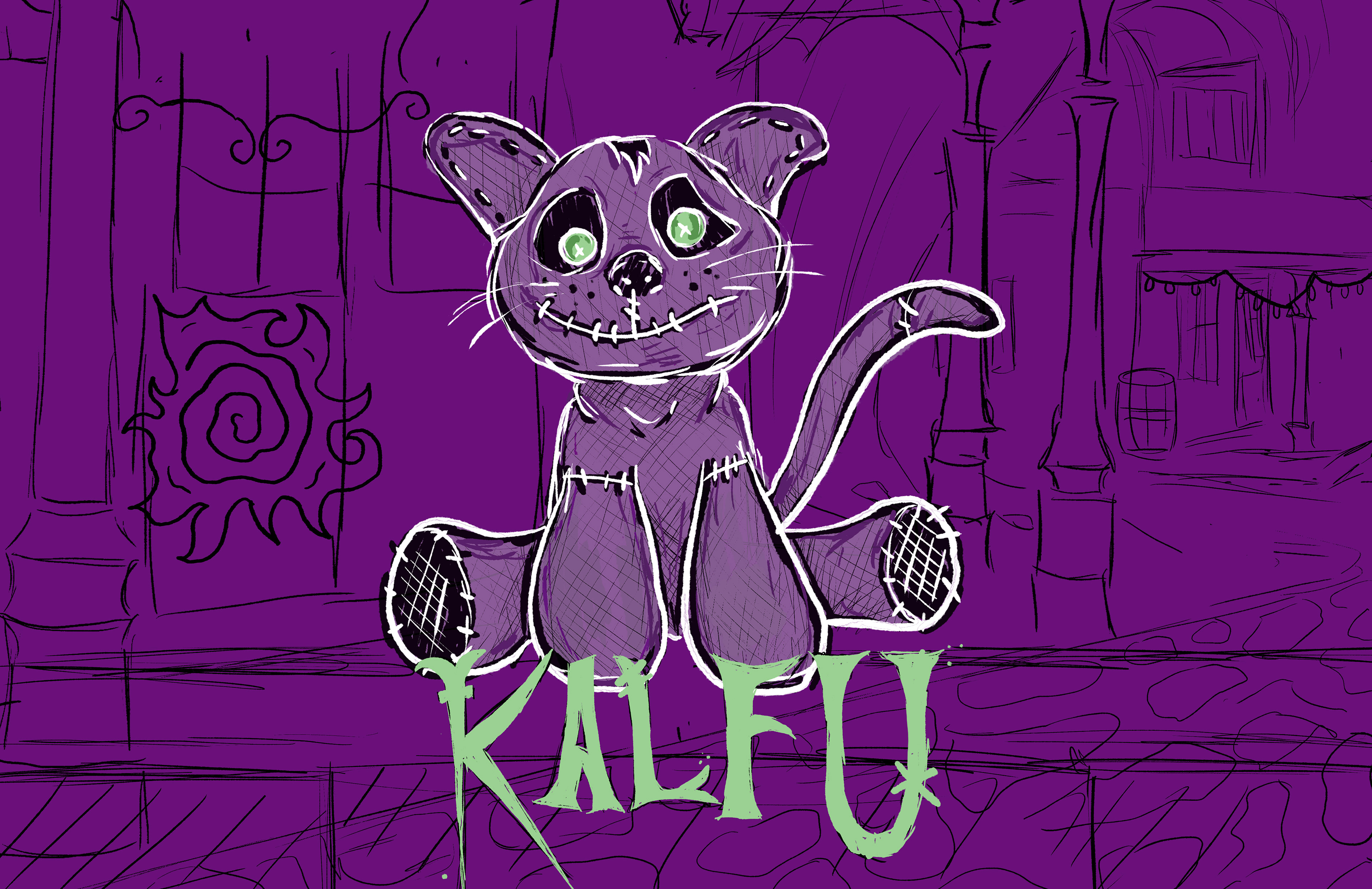
Video Game Design: Kalfu
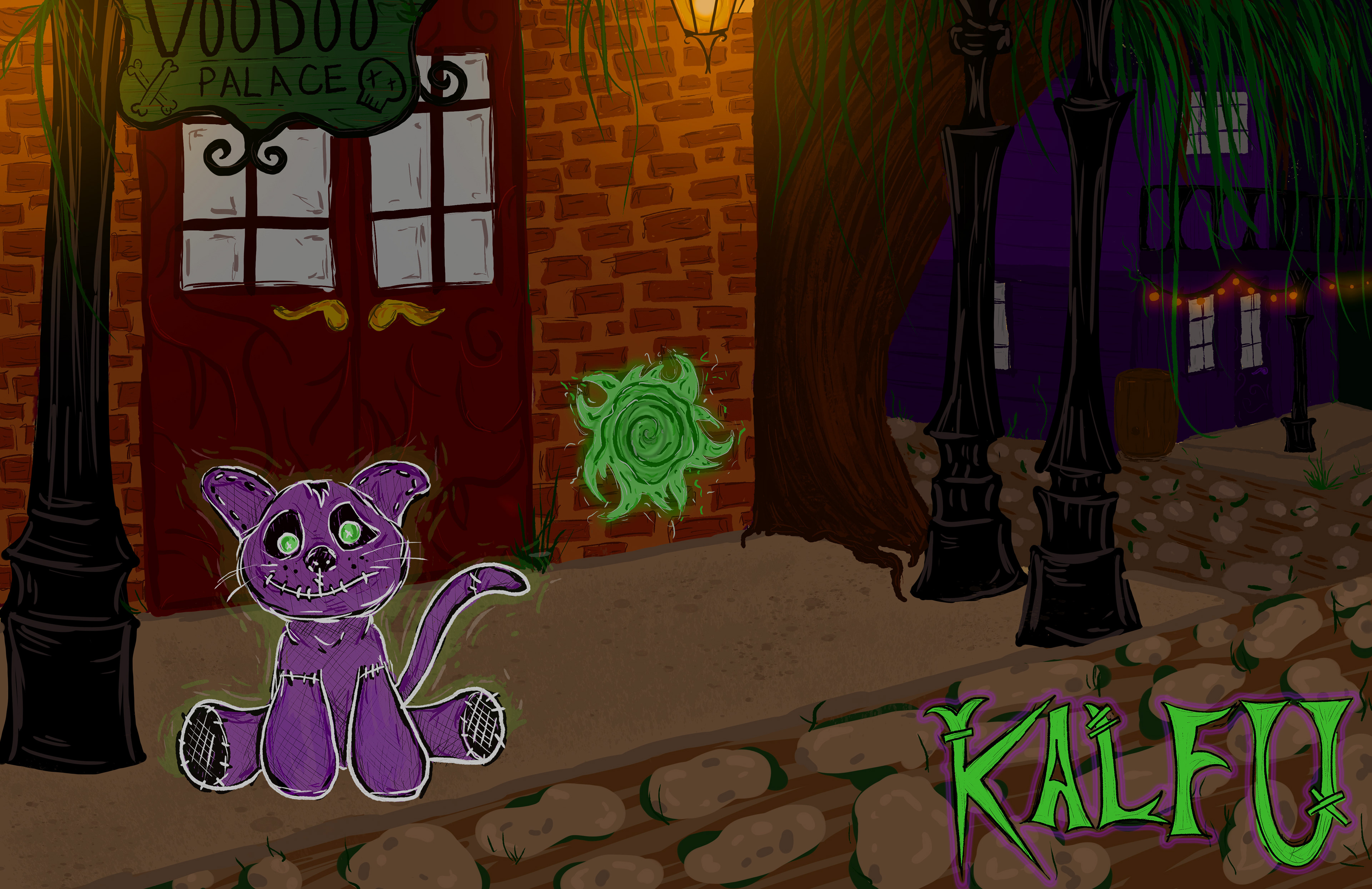
For this assignment, I wanted to create a video game concept. This is the adventure of Kalfu the cat. He is a voodoo doll with the spirit of a cat from the underworld. In this game, he ventures through the living world on search for his owner.
In this game, the player can travel between the living and spirit world to collect items and explore.
To make this piece, I used photoshop brushes and glow effects to create a night scene in New Orleans.
Illustrator tracing: Marionette
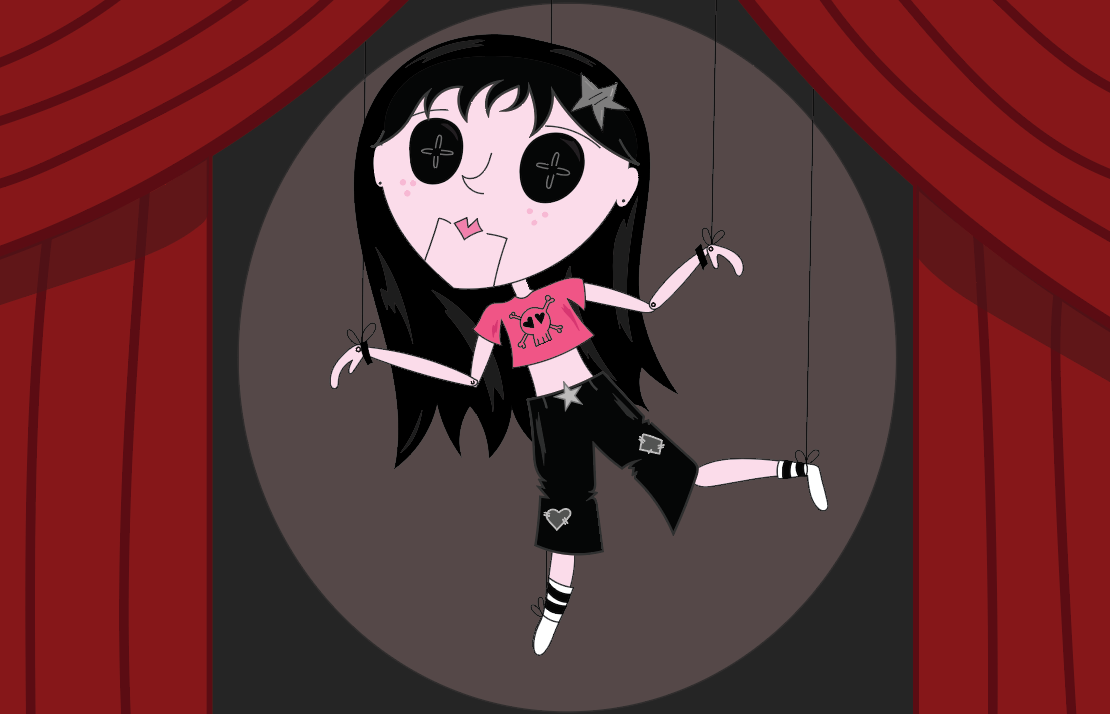
For this work, I created a character design fully in adobe illustrator. Using the shape tools and the pen tool, I created a marionette doll on stage.
I based this character off a past character I created for a cereal brand. This is a punk style doll with silver patches and accessories.
Abstract Design: Adobe Intertwine, Blend, and symbol Spray tool
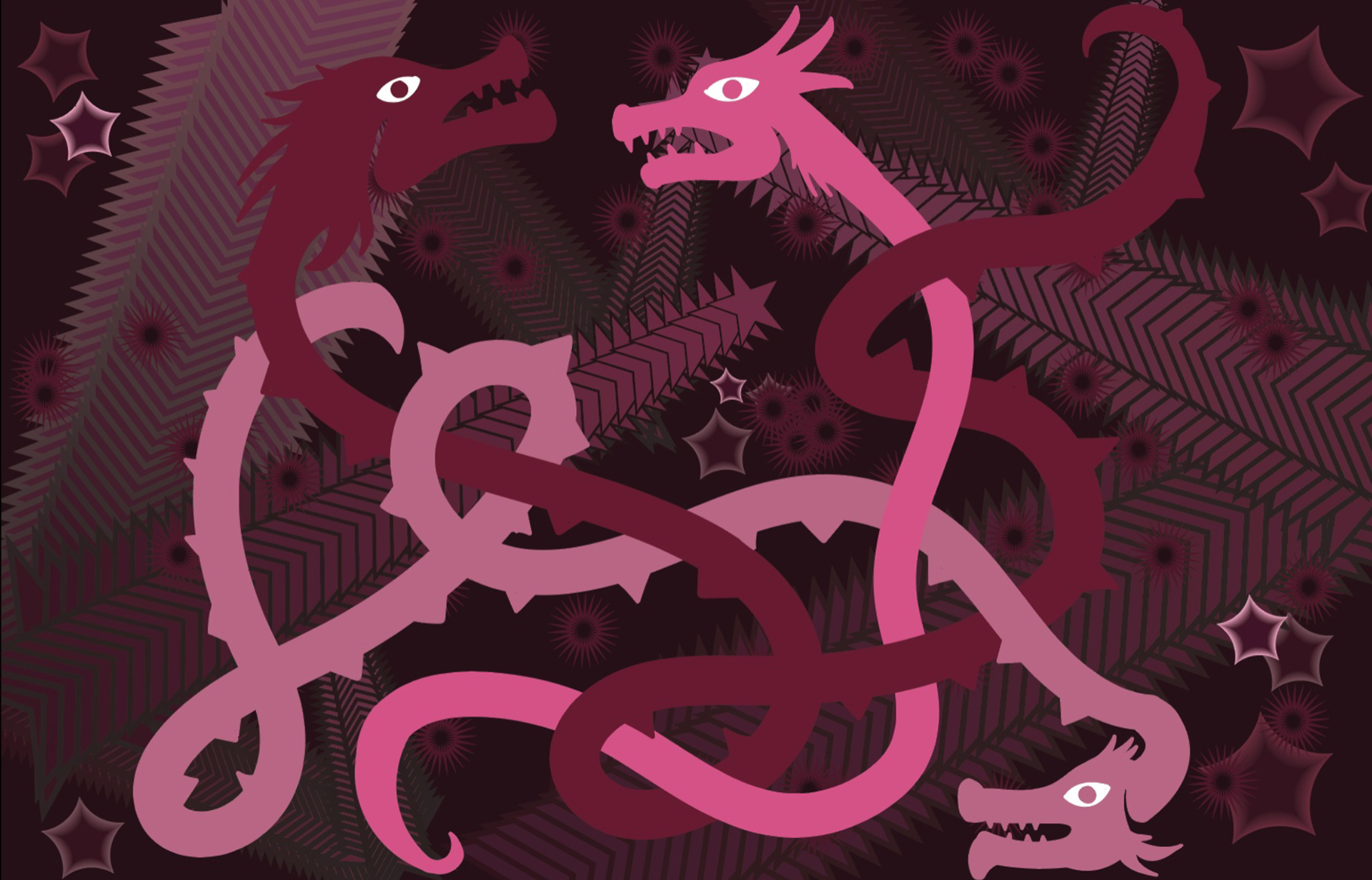
For this design, i wanted to create an abstract work with pink dragons. I tested functions within adobe illustrator. I used intertwine to layer the dragons. I used the blend tool to create the stars and background design. For the background, I also created a symbol to spray across the back.
Gradient Mesh
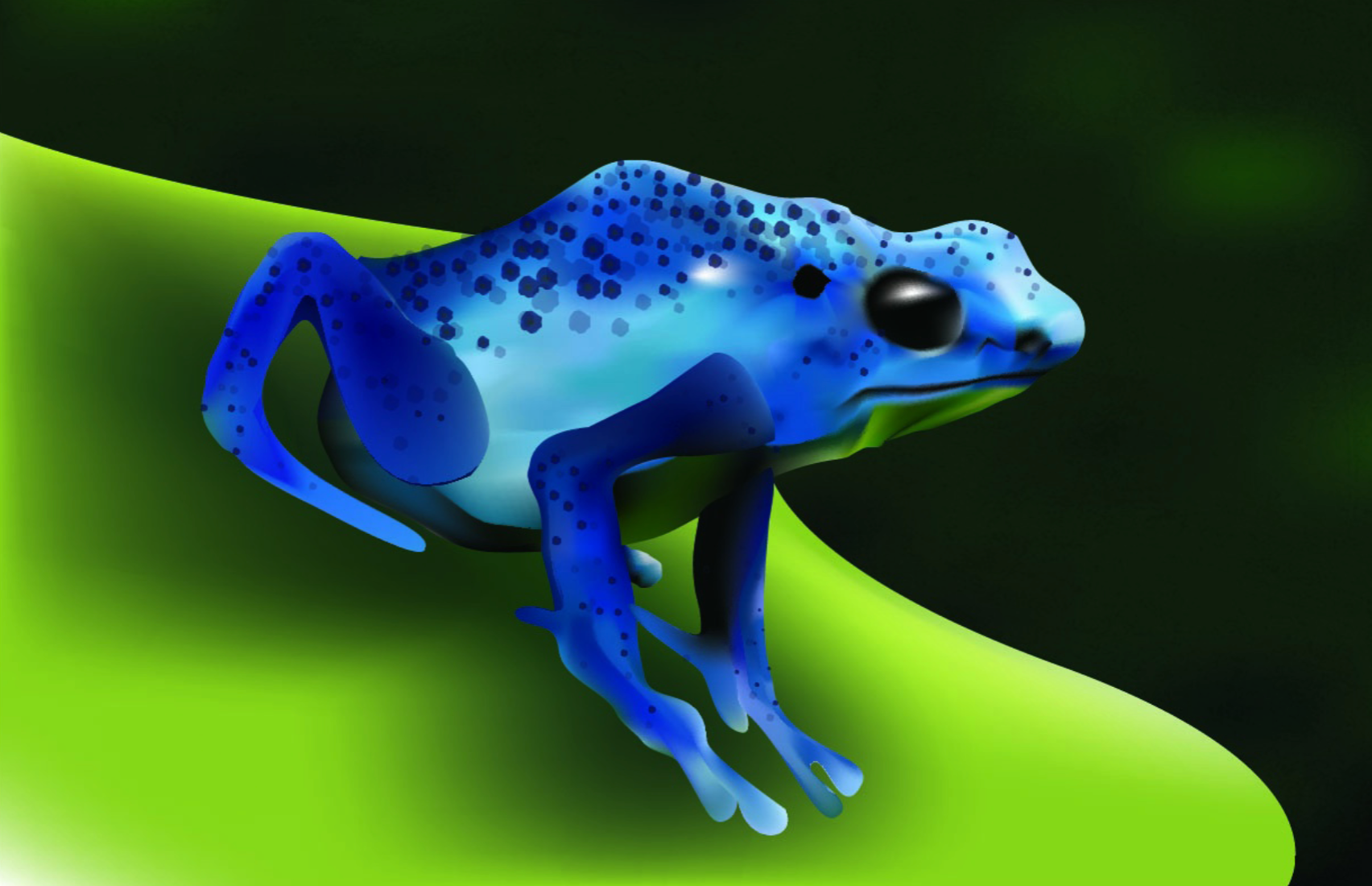
For this assignment, I learned how to use gradient meshes in adobe illustrator. For the design, I broke down the frog into sections, the body, the legs, and the background.
I also used the shape spray tool to add his spots on his back and legs. I used neon colors to make the frog interesting to look at.
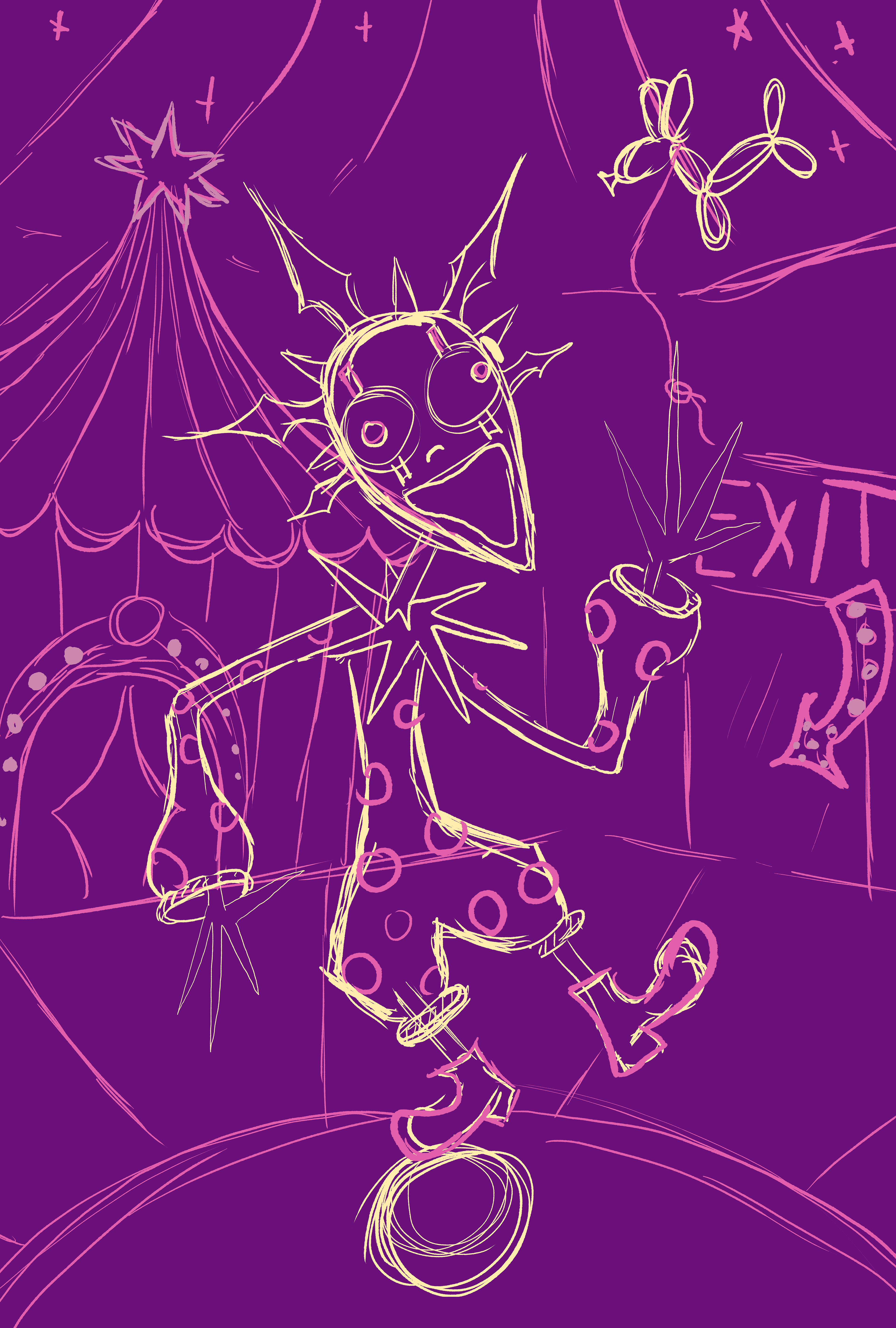
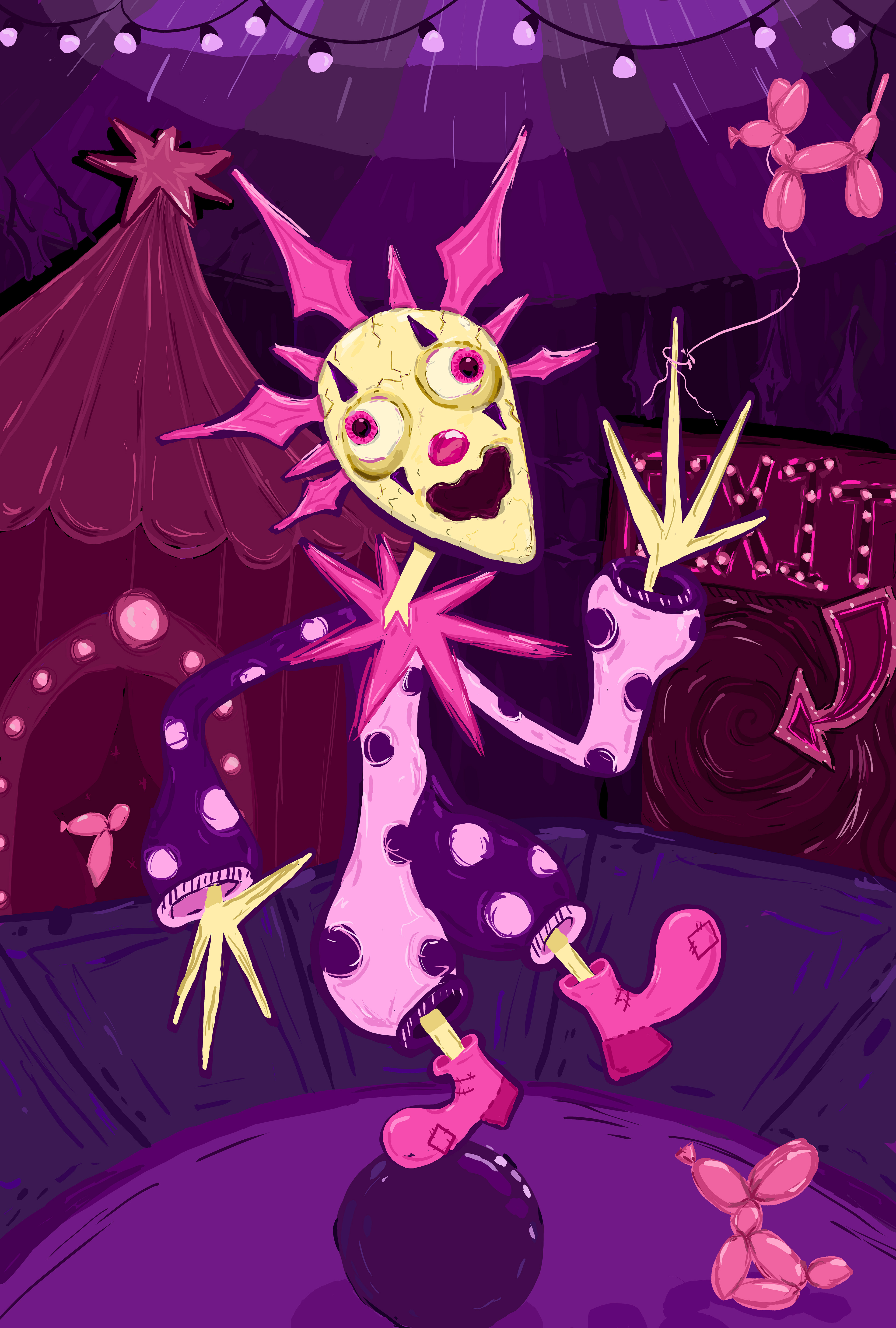
Concept Art: Dizzy DayDream
For this final work, I created a concept art for a horror video game. This game is based off dizzy the clown and his nightmare circus daydream.
The player transports to this dream realm and the only way to escape is to collect balloon animals and get the the exit before dizzy catches you. You would hide and distract Dizzy to avoid getting caught.
For this piece, I created it fully with photoshop using ink based brushes.
Animation
For the animation, I used simple motion graphics by using the layers panel. I animated the balloon animals to float naturally. I also adjusted the brightness and saturation of the blinking lights in the background of the image.